Online Examination System
Sign up, course registration, payments and exam system process.
-
Sign up on our exam system by filling the asked inputs like:
- Student Name and gender
- University and subject
- Email and mobile no
- Set min 8 char password
-
After sign up completion, verify email address and mobile no. Check your registered email for verification link and messages for sms otp.
-
If you forgot/link expired to verify email address and mobile no, please verify these manually.
-
Click here, for email verification.
-
Click here, for mobile no verification.
-
If you forgot account password, please click here to reset account password.
-
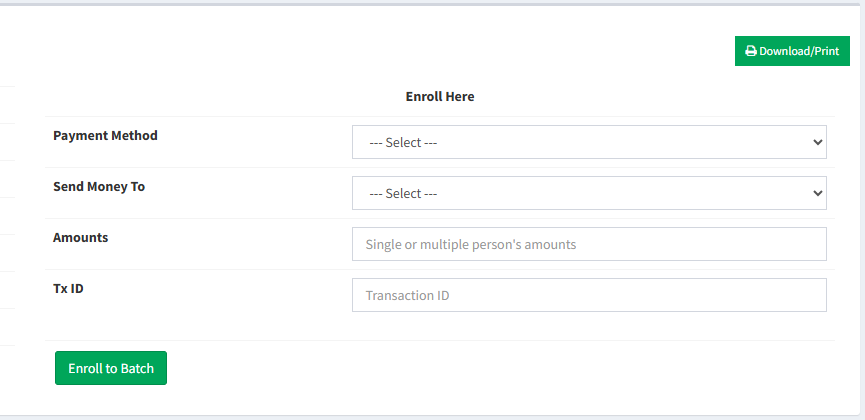
After successfully registration, go to enroll/course list. Select course and enroll course by following inputs:
- Select payment method
- Select send money mobile no
- Enter amounts
- Enter payment transaction id
-
After payments and correct inputs, you will see the enroll status. It take a while sometimes.
-
Go to live exams. You will see list of mcq and/or written exams according to your enrolled batch.
-
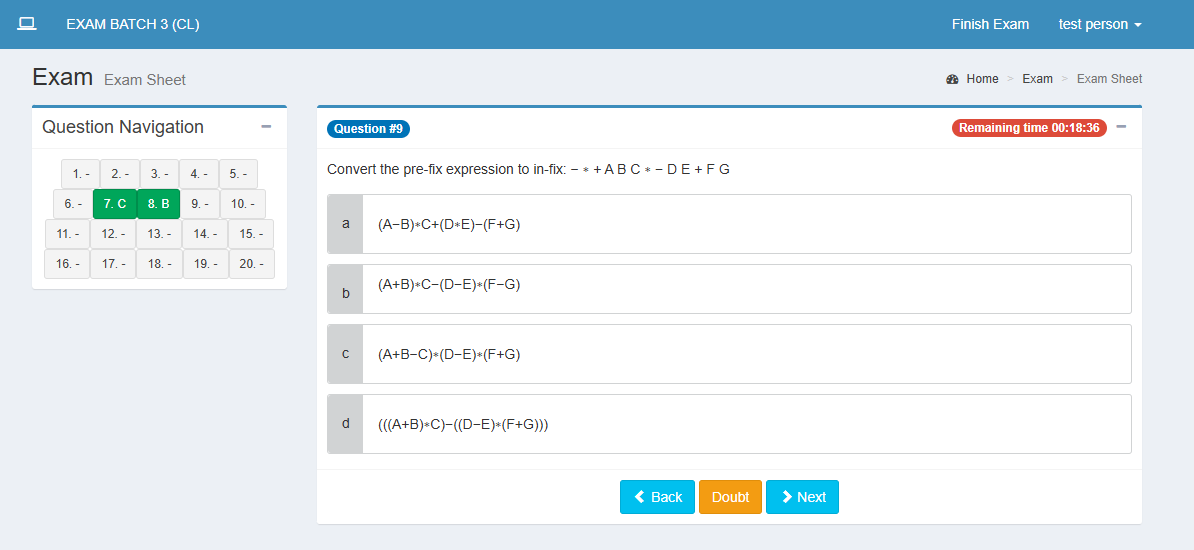
In mcq exam, you should follow this rules:
- Read exam preview instructions
- Select correct answer
- You can't leave/exit browser while exam running
- Submit exam within time
-
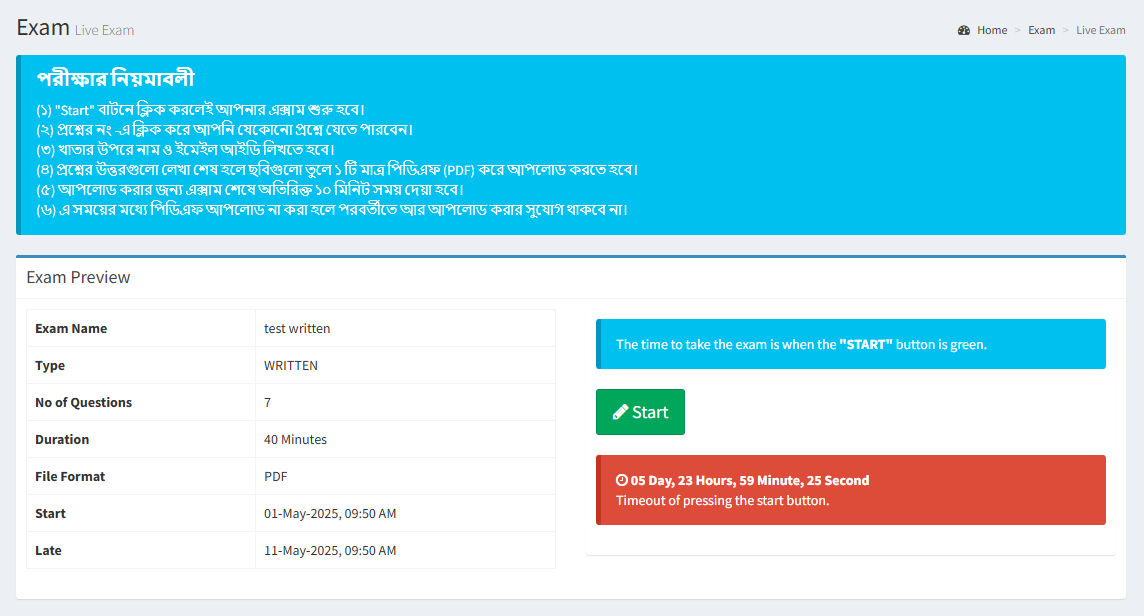
In written exam, you should follow this rules:
- Read exam preview instructions
- Take exam papers and write your name and email on top of the 1st paper.
- Create a single pdf of your answer sheet
- Upload answer sheet pdf within time
- You will get extra 15 min to create and upload pdf